
THE SHORT ANSWER
A call to action helps someone make a decision at a transition. It should explain the available action and its consequence. “Learn more” often provides too little information, especially when the destination involves a form, download or meeting request. Useful B2B calls to action combine a clear label with necessary nearby context. They promise only what the next step delivers and make the effort understandable before the visitor commits.
To see how this step fits into your content strategy, read the pillar guide B2B content marketing: From useful expertise to qualified demand.
Start with the actual destination
Open the destination or carry out the action yourself. Does the click lead to a file, a form or an immediately bookable calendar? Write down exactly what the visitor does at this point. “Book a demo” fits a booking flow; a manually reviewed request needs different wording. For a PDF download, naming the document’s purpose is more useful than a generic invitation to begin. Let the label follow the real process. When the process itself is unclear, resolve that before testing alternative verbs or commissioning a new button design.
Write label and supporting copy together
The button does not need to contain every detail. It names the main action, while nearby copy explains scope, format or prerequisites. Keep meaningful limitations visible rather than hiding them in a tooltip. A short label might name the specific template, with an adjacent note explaining whether an email address is required. Review the combination on mobile so the explanation remains close to the action. The label should also communicate direction when encountered separately. This supports scanning and people navigating with assistive technology, while reducing dependence on the visual layout alone. Explore this further in the guide Service pages that make scope and collaboration concrete.
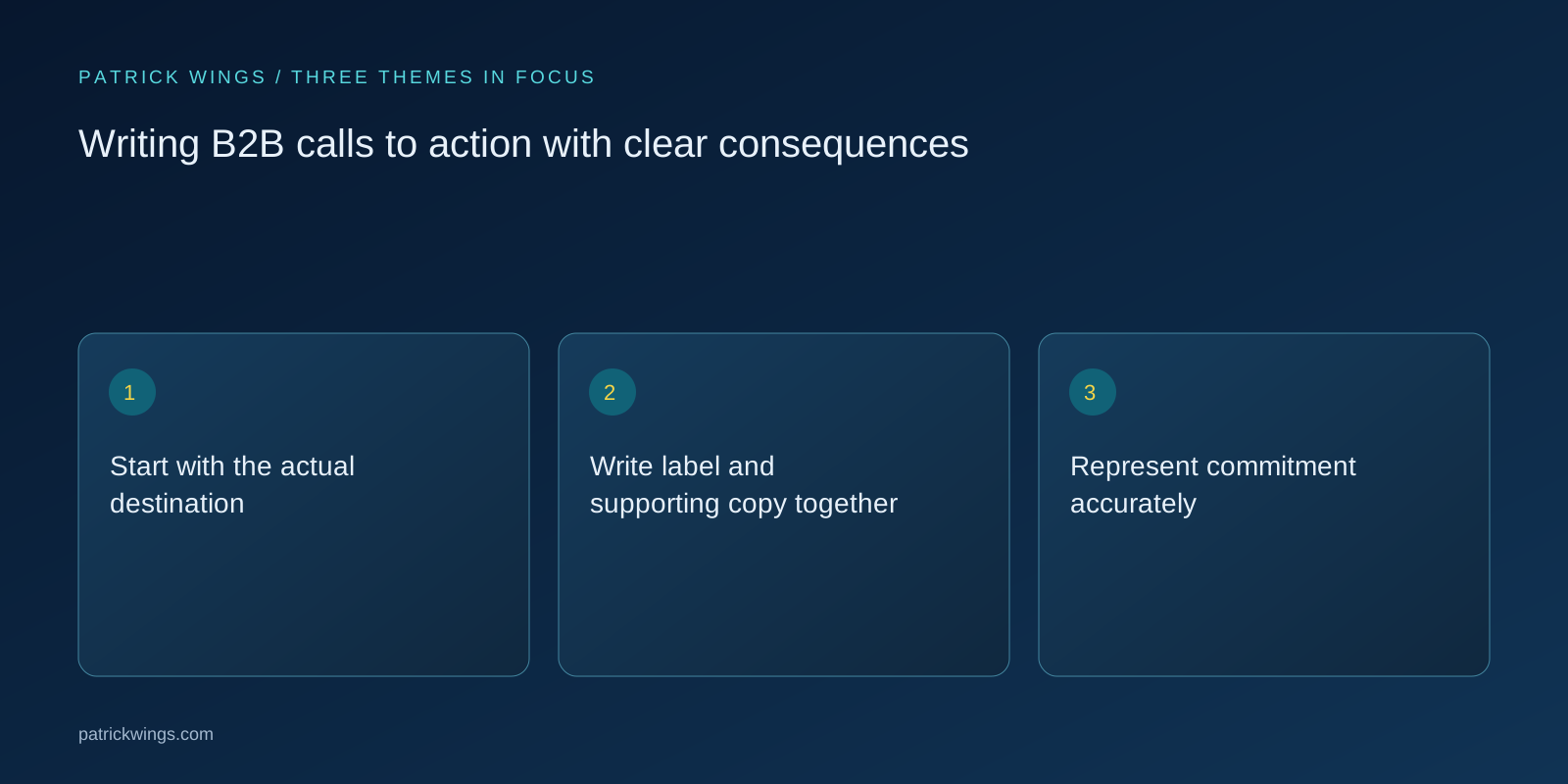
Represent commitment accurately
A download, an exploratory request and a paid order are different decisions. The wording and nearby explanation should preserve those differences. Avoid artificial urgency when there is no real deadline. A seemingly lightweight invitation should not unexpectedly open a binding process. For consulting, clarify whether the next step discusses suitability or commissions a defined service. That distinction comes from the offer and operating process. It cannot be solved by choosing a more creative action verb. Review language with the colleagues who handle the response, especially when different teams use different meanings for the same term.
Match the reader’s current task
Someone checking a technical prerequisite may need integration documentation. A person comparing approaches may benefit from a decision worksheet. A conversation becomes the primary next step when it helps answer the question the reader actually has. Several calls to action can serve different tasks, but their priority should remain clear. Do not give the same destination contradictory labels across a page. If there are several audiences, describe routes by their tasks rather than only by internal department names. That makes the choice understandable to readers who do not know how your company is organized. Explore this further in the guide Demo pages that set useful expectations before the conversation.

Examine a hypothetical wording change
Imagine an IT consultant replacing “Get started” with “Download the migration checklist.” Nearby text explains that the PDF contains preparation questions and does not include an individual system assessment. A separate area offers a request to discuss a specific migration project. Each action has a different purpose and an appropriate destination. This hypothetical example demonstrates clearer expectations, not improved conversion results. Whether the wording is more useful for real visitors needs checking against their tasks and the subsequent process. The team’s personal preference for a stronger-sounding phrase is not sufficient evidence.
Test understanding before multiplying variants
Ask relevant people what they expect after clicking, what information they may need to provide and whether they anticipate any commitment. Show enough surrounding content for a realistic decision. If answers differ, investigate the exact ambiguity first. More synonyms will not resolve confusion about the offer itself. Also check that the visible label and the element’s accessible name describe the same action. Design, copy and implementation should agree. Capture observations with concrete example responses so the next revision addresses an inspectable problem rather than a generalized feeling that the button lacks impact.
Evaluate the whole transition
A higher click-through rate can result from unclear or exaggerated promises. Examine what follows: do visitors find what they expected, complete the relevant task and ask fewer clarification questions? Before a comparison, define the change you want to study and record other page changes. Small samples cannot reliably establish minor performance differences, although qualitative observation can still reveal specific confusion. Document the chosen label alongside its destination and process owner. That record helps prevent a later workflow change from turning previously accurate copy into a misleading instruction that remains unnoticed on the original page.
INTERACTIVE / FROM READING TO ACTION
Three checkpoints for your implementation
Choose a checkpoint and track your reading progress. Checks are neither saved nor sent and do not score your business.
CHECKPOINT 01
Represent commitment accurately
A download, an exploratory request and a paid order are different decisions.
Explore in the article ↗CHECKPOINT 02
Match the reader’s current task
Someone checking a technical prerequisite may need integration documentation.
Explore in the article ↗CHECKPOINT 03
Examine a hypothetical wording change
Imagine an IT consultant replacing “Get started” with “Download the migration checklist.” Nearby text explains that the PDF contains preparation questions and does not include an individual system assessment.
Explore in the article ↗Frequently asked questions
How long should a B2B CTA be?
Short enough to scan and specific enough to name the action. Place supporting detail immediately nearby.
Is “Learn more” always wrong?
No, but it is often too vague when the destination, format or level of commitment is otherwise unclear.
Which metric identifies a good CTA?
No single metric does. Examine clicks alongside subsequent task completion and visitor expectations.
How can I put “Start with the actual destination” into practice?
Open the destination or carry out the action yourself. Does the click lead to a file, a form or an immediately bookable calendar? Write down exactly what the visitor does at this point.
What matters when working on “Write label and supporting copy together”?
The button does not need to contain every detail. It names the main action, while nearby copy explains scope, format or prerequisites. Keep meaningful limitations visible rather than hiding them in a tooltip.