
THE SHORT ANSWER
Good alt text communicates an image’s information or function in its particular context. Start by asking why the image appears on this page. A photograph, diagram and linked icon need different treatment. The appropriate alternative follows from the reader task and surrounding text. It is neither extra advertising space nor a routine inventory of visible objects without regard to meaning.
To see how this step fits into your content strategy, read the pillar guide B2B content marketing: From useful expertise to qualified demand.
Determine the image's role
Decide whether it conveys information, enables an action or merely decorates. W3C distinguishes these purposes explicitly. A decorative web image may need an empty alternative; that is not the same as omitting the attribute. Informative images need their essential information, while controls need their function. Decide on the actual page because the same visual can serve a different purpose elsewhere. Record the decision in the image assignment so design and publication do not independently guess why the asset was included and how it should be treated.
Read the surrounding content
Read the heading, paragraph and caption before writing. What becomes unavailable if the image cannot be perceived? Do not automatically repeat the entire accompanying text. Supply the relevant missing information. A caption may give context or source while the alternative explains an important visible distinction. Check that the combination makes sense. When the image adds no information, decorative treatment may fit. This requires editorial judgment; a filename or recognizable subject alone cannot determine the correct alternative for every instance in which that asset is reused. Explore this further in the guide Using product screenshots as editorial evidence.
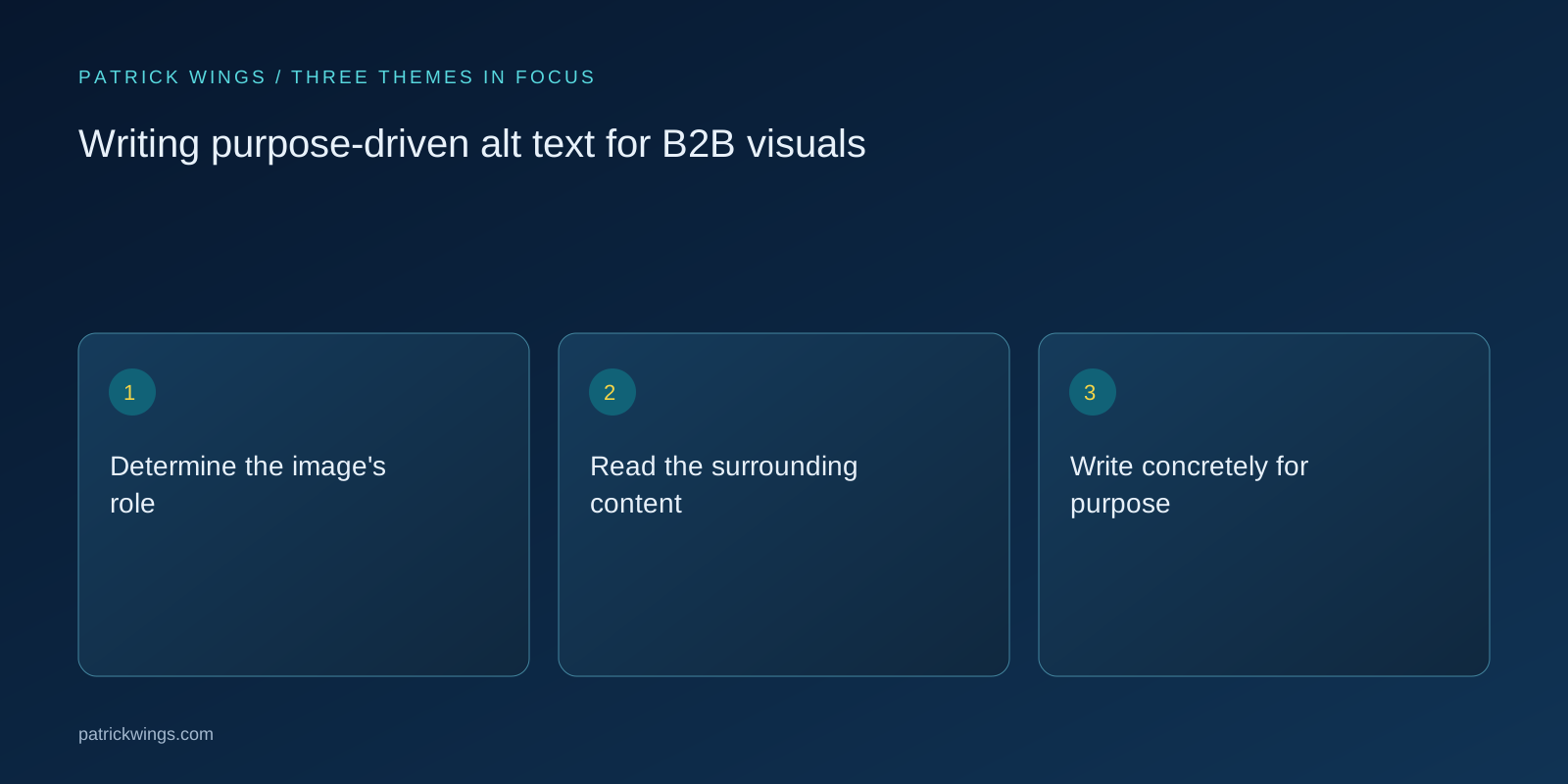
Write concretely for purpose
Use understandable words for the essential point. “Graphic about efficiency” explains neither information nor function. For a photograph, the relevant activity may suffice; for an icon control, the action matters. Avoid unnecessary introductions and keywords without information value. No universal word count makes every alternative correct. When explanation becomes lengthy, consider providing the substance in visible text too. This keeps the alternative manageable while making the fuller explanation available to other readers who may also struggle to interpret the image or need to inspect its reasoning carefully.
Compare hypothetical uses
Suppose a photo shows two people arranging cards on a wall. As a decorative article header, it may add no substantive information. In instructions for a workshop method, it might demonstrate the separation of two card groups. Its alternative should then communicate that distinction. This hypothetical example shows why one description permanently stored in an asset library is not always enough. Purpose and context determine the necessary information. An automatically generated visual description can provide a starting point but cannot replace the editorial decision on the page where the image appears.

Provide longer explanations when needed
Diagrams, maps and charts may contain more information than a brief sentence can convey. Offer concise orientation and put essential relationships or data in a fuller description, table or surrounding text. W3C treats complex images separately for this reason. Make the longer explanation easy to locate. “See text” helps only if that text is clearly available and sufficiently complete. Review the description with the visual's substantive claim so future changes do not leave an outdated explanation presenting different relationships from the image readers see on the page. Explore this further in the guide B2B visual storytelling: Make complex services understandable.
Check the publication context
Inspect the rendered page rather than only a media-library list. Is the alternative present, correctly associated and meaningful in the relevant language? Linked images must communicate their function. Test important content through suitable access methods and involve knowledgeable reviewers where needed. Remove repetition and supply missing information. Update descriptions when images change. Alt text belongs in editorial quality assurance: it makes intended information available and prevents an inaccurate description from giving some readers a materially different statement from the one communicated by the visible content and its surrounding explanation.
INTERACTIVE / FROM READING TO ACTION
Three checkpoints for your implementation
Choose a checkpoint and track your reading progress. Checks are neither saved nor sent and do not score your business.
CHECKPOINT 01
Write concretely for purpose
Use understandable words for the essential point.
Explore in the article ↗CHECKPOINT 02
Compare hypothetical uses
Suppose a photo shows two people arranging cards on a wall.
Explore in the article ↗CHECKPOINT 03
Provide longer explanations when needed
Diagrams, maps and charts may contain more information than a brief sentence can convey.
Explore in the article ↗Frequently asked questions
Does every image need a descriptive sentence?
No. Treatment depends on purpose, information and context; decorative web images may need an empty alternative.
Should alt text contain keywords?
Use words needed to convey the information naturally, not unrelated search terms.
Can one description be reused everywhere?
Only when the role and relevant information remain equivalent in the new context.
How can I put “Determine the image's role” into practice?
Decide whether it conveys information, enables an action or merely decorates. W3C distinguishes these purposes explicitly. A decorative web image may need an empty alternative; that is not the same as omitting the attribute.
What matters when working on “Read the surrounding content”?
Read the heading, paragraph and caption before writing. What becomes unavailable if the image cannot be perceived? Do not automatically repeat the entire accompanying text.