

THE SHORT ANSWER
Accessible B2B PDFs are easier to create when structure and use are considered in the manuscript. Plan meaningful headings, logical sequence and explanations of visuals before layout is fixed. Inspect the exported file as well. Visual neatness cannot establish usability through other access methods, so looking at the pages alone is insufficient verification of the finished document.
To see how this step fits into your content strategy, read the pillar guide B2B content marketing: From useful expertise to qualified demand.
Establish use and format first
Ask what readers must accomplish and whether PDF fits that task. Frequently changing guidance may be easier to maintain as a webpage. When printable worksheets are necessary, plan screen use too. Identify essential forms, tables and diagrams. Determine early who can verify technical accessibility. Editors and designers need shared requirements so the final team is not left trying to repair a complex export solely through extra descriptions or a simplified cover. Choosing the format deliberately also clarifies which source files and review skills the project needs.
Build structure in the source
Use actual heading styles with a logical hierarchy rather than larger text alone. W3C explains how heading tags support PDF navigation. Structure paragraphs, lists and tables by meaning. Numerous floating text boxes may complicate later reading order. Explain abbreviations and write descriptive links. These choices improve the manuscript but must survive export. Agree an appropriate authoring tool and verification path instead of assuming an attractive document automatically contains useful technical structure that assistive technology can interpret in the intended sequence. Explore this further in the guide Structuring a whitepaper around a defensible argument.
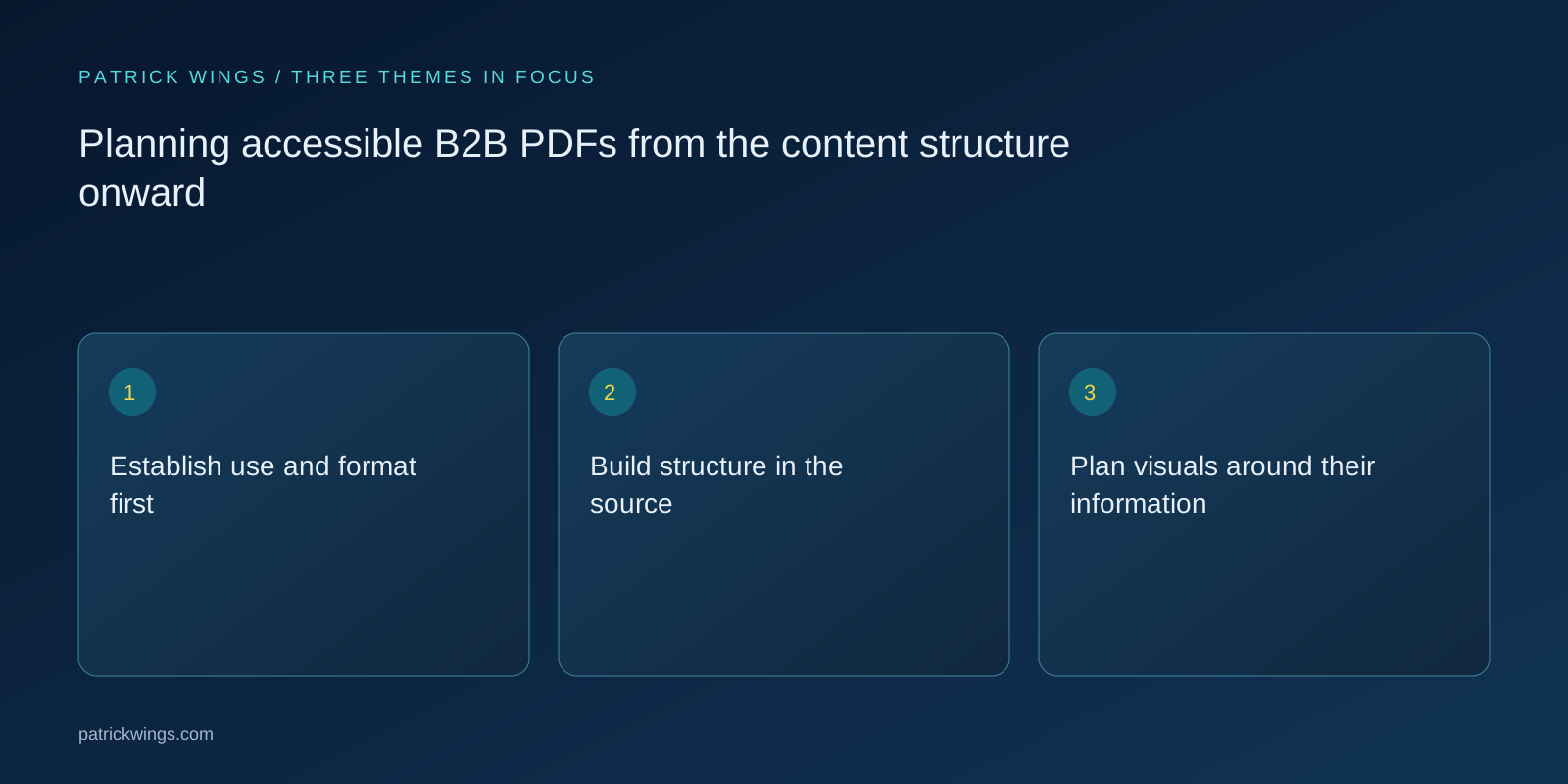
Plan visuals around their information
Record what each graphic communicates. Descriptions should reflect that purpose. Complex diagrams may need a fuller explanation or accessible data alongside the image. Do not encode essential distinctions through color alone. Labels and contrast require design attention too. Distinguish decorative pictures from informative figures. In the design handover, separate alternative descriptions, visible captions and decorative roles. This creates a concrete basis for checking whether the final treatment makes the intended information available, rather than judging every image through a generic description of its appearance. Explore this further in the guide Writing purpose-driven alt text for B2B visuals.
Prepare a hypothetical guide
Suppose a guide contains a three-stage assessment. Instead of showing the stages only in an illustration, describe each with its prerequisite and output. The graphic adds an overview. A worksheet receives clearly named fields and instructions. This hypothetical example provides no guarantee of complete conformance. It demonstrates how editorial planning before layout can support different access methods. The exported file still needs separate examination, particularly sequence, access to fields and the connection between each label and the content or control it is meant to explain.

Verify export and operation
Inspect tags, reading order and navigation using appropriate tools and competent review. W3C notes that complex layouts can acquire an incorrect order during export. Test links and forms by keyboard as well. Automated reports may identify issues but cannot settle every question about coherent sequence or meaningful descriptions. Record problems and repair the source where possible so the next export does not reintroduce them. Recheck the delivered file after corrections rather than verifying only the editing document and assuming its final output behaves identically for readers.
Assign maintenance responsibility
Name owners for manuscript, design, technical verification and publication. Retain the editable source and record known limitations. When a diagram or form changes, review its descriptions and structure again. An HTML alternative may help but must remain substantively current. Do not claim comprehensive compliance from these editorial measures alone. Assess the particular document against applicable requirements and actual use. Dependable ownership keeps the publication accurate and usable over time and prevents a later update from silently removing the structure established during the initial production and review process.
INTERACTIVE / FROM READING TO ACTION
Three checkpoints for your implementation
Choose a checkpoint and track your reading progress. Checks are neither saved nor sent and do not score your business.
CHECKPOINT 01
Plan visuals around their information
Record what each graphic communicates.
Explore in the article ↗CHECKPOINT 02
Prepare a hypothetical guide
Suppose a guide contains a three-stage assessment.
Explore in the article ↗CHECKPOINT 03
Verify export and operation
Inspect tags, reading order and navigation using appropriate tools and competent review.
Explore in the article ↗Frequently asked questions
Is selectable text enough?
No. Structure, sequence, navigation and understandable content also require review.
Can design fix everything at the end?
Some errors can be corrected, but structure and complex reading order should be planned earlier.
Is an automated report sufficient?
No. It supports review but cannot replace assessing meaningful descriptions and actual use.
How can I put “Establish use and format first” into practice?
Ask what readers must accomplish and whether PDF fits that task. Frequently changing guidance may be easier to maintain as a webpage. When printable worksheets are necessary, plan screen use too.
What matters when working on “Build structure in the source”?
Use actual heading styles with a logical hierarchy rather than larger text alone. W3C explains how heading tags support PDF navigation. Structure paragraphs, lists and tables by meaning.