

THE SHORT ANSWER
Negative keywords create a controlled boundary for search campaigns. Build them from demonstrably unsuitable intent, choose their scope deliberately and inspect which useful demand they might also block. A long exclusion list is not evidence of a well-managed account.
For the broader picture of how target customers, channels and sales handoffs work together, read the pillar guide B2B demand generation: from attention to qualified pipeline.
Define business reasons for exclusions
Start by documenting demand you cannot or do not want to serve. This may include unrelated products, job searches, unsupported applications or clearly unsuitable customer groups. Separate durable boundaries from temporary priorities. A service you are not promoting this month does not necessarily justify an account-wide exclusion. Agree the boundaries with sales and product colleagues. This replaces personal preferences with defensible offer limits. Avoid broad judgements such as excluding cheap when your solution legitimately competes on economic value. An exclusion should prevent a recognisable mismatch, not punish a customer profile inferred from one word in a search. Explore this further in the guide Reviewing B2B Google Ads search terms systematically.
Check match behaviour before importing
Negative search terms have their own matching rules. Google describes different effects for broad, phrase and exact negative matches. Close variants are not comprehensively covered in the same way as positive keyword matching. Test actual search formulations against the intended exclusion. Depending on its type, a multiword negative may require a particular sequence or the presence of all its words. Do not rely on assumptions learned from positive keywords. Prepare a few relevant and irrelevant example searches before uploading a substantial list. This simple exercise can expose unintended restrictions before they affect useful campaign coverage. Explore this further in the guide SaaS keyword strategy: turn searches into useful pages.
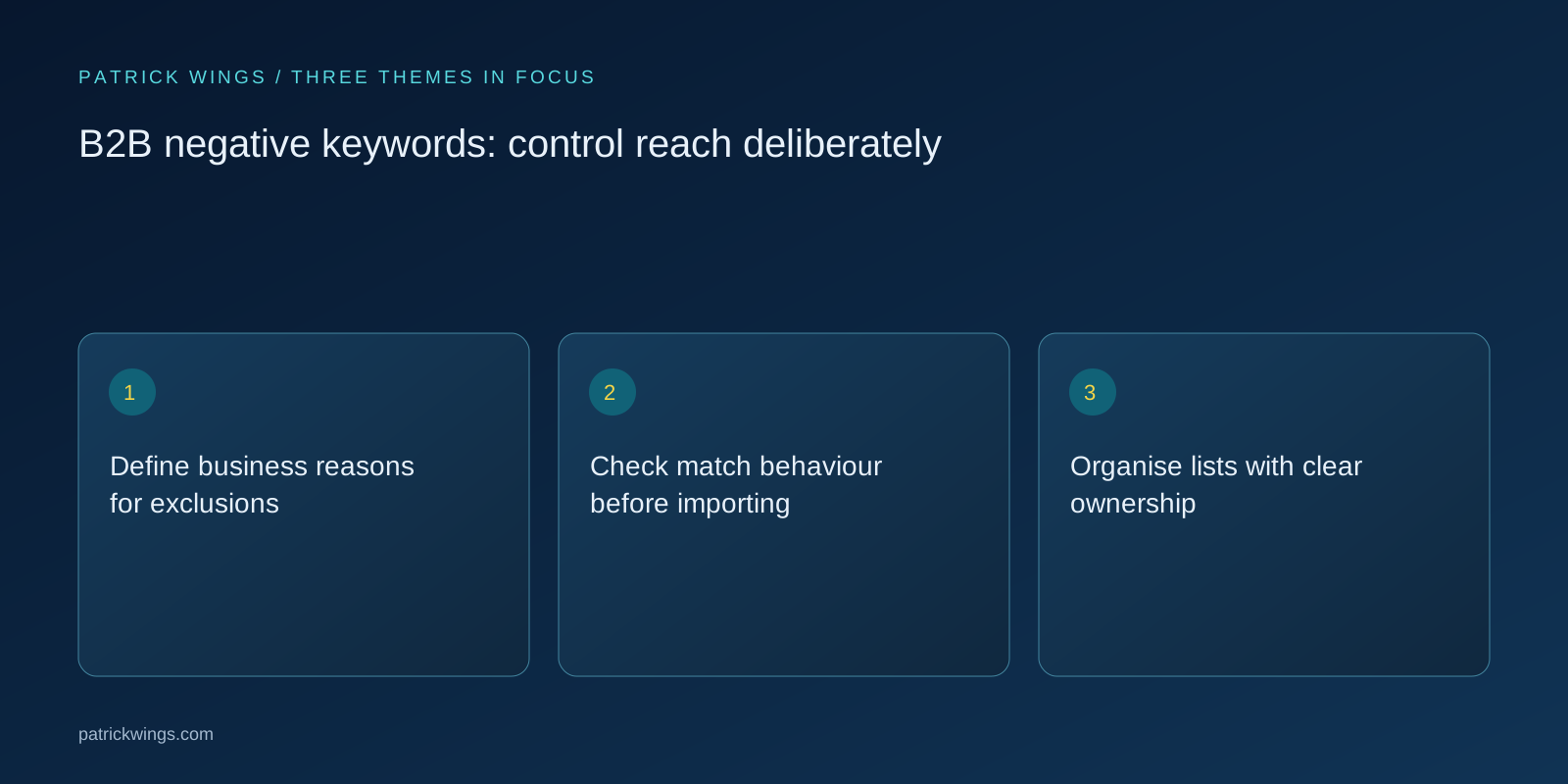
Organise lists with clear ownership
Separate universal exclusions from local campaign decisions. A central list might cover unmistakably unrelated services. Another may apply only to a product family, while a narrow exclusion belongs in one campaign. Give each list an understandable purpose and record its owner, review date and exceptions. Lists copied from another agency or account are starting points for questions rather than ready-made truth. A phrase that is irrelevant in one business model can represent serious purchase research in another. Whoever imports a list should be able to explain why each significant theme corresponds to an actual boundary in your own offer.
Examine an illustrative boundary case
A paid security software provider wants to avoid searches for free consumer antivirus tools. Excluding free indiscriminately might also remove searches asking whether its commercial platform offers a free trial. This is an invented example of a targeting conflict, not a reported campaign outcome. Inspect the actual visible searches and choose a narrower exclusion for the unsupported consumer product. Preserve relevant product evaluation searches. Record two questions with the change: which unsuitable enquiries should disappear, and which appropriate searches must remain eligible? That makes the decision reviewable later without relying on somebody remembering the original conversation.

Recognise mistakes after implementation
Lower click costs do not prove an exclusion worked. Costs might decline because valuable competitive searches disappeared. Likewise, fewer form submissions are not automatically bad if unsuitable enquiries have been removed. Examine search patterns, appropriate conversations and cost together. If sales unexpectedly receives fewer enquiries about a relevant application, inspect new shared lists and local negatives before blaming market demand. Avoid simultaneously replacing all bids and landing pages when you want to understand a substantial cleanup. Multiple changes make the cause of subsequent movement unclear. Keep an explicit distinction between observed changes and your interpretation of why they happened.
Introduce a recurring approval check
Give substantial exclusion changes a second business review. This need not become a slow governance ritual: a brief check of the reason, scope and potential side effects is often sufficient. Remove obsolete terms when your offer changes and compare new product names with existing lists. Acquisitions, new markets and revised trial offers can make yesterday's rules inappropriate. Review both avoided waste and relevant demand that has been restored. Good exclusion management keeps the account aligned with the business. It should not create an ever-growing archive of historical precautions that nobody feels authorised to question or remove.
INTERACTIVE / FROM READING TO ACTION
Three checkpoints for your implementation
Choose a checkpoint and track your reading progress. Checks are neither saved nor sent and do not score your business.
CHECKPOINT 01
Organise lists with clear ownership
Separate universal exclusions from local campaign decisions.
Explore in the article ↗CHECKPOINT 02
Examine an illustrative boundary case
A paid security software provider wants to avoid searches for free consumer antivirus tools.
Explore in the article ↗CHECKPOINT 03
Recognise mistakes after implementation
Lower click costs do not prove an exclusion worked.
Explore in the article ↗Frequently asked questions
Should we import generic negative lists?
Only after reviewing their relevance to your business boundaries.
Do negative keywords behave like positive keywords?
No. Their matching rules and treatment of variants differ.
Who should own shared exclusions?
A named campaign owner with access to product and sales feedback.
How can I put “Define business reasons for exclusions” into practice?
Start by documenting demand you cannot or do not want to serve. This may include unrelated products, job searches, unsupported applications or clearly unsuitable customer groups. Separate durable boundaries from temporary priorities.
What matters when working on “Check match behaviour before importing”?
Negative search terms have their own matching rules. Google describes different effects for broad, phrase and exact negative matches. Close variants are not comprehensively covered in the same way as positive keyword matching.