

THE SHORT ANSWER
Search intent is the goal behind a query. In B2B, dividing searches into “informational” and “ready to buy” is often insufficient. Someone searching for “CRM ERP integration” might be troubleshooting an existing connection or evaluating a new platform. Your task is to identify the likely decision and offer a page that genuinely helps the reader move forward.
For the broader picture of technical foundations, useful content and visibility measurement, read the pillar guide SEO, GEO and AEO for SaaS: visibility that supports buying decisions.
Start with situations rather than keyword labels
Ask sales about recent real enquiries: what triggered the research, who was involved and which uncertainty needed resolving before a conversation? Capture answers in the customer’s own language. A list of situations usually explains more than abstract funnel labels. Add roles, existing systems and practical constraints. This helps distinguish questions that fit your product from searches that merely happen to contain the same technical term. The distinction matters when editorial resources are limited.
Use search results as evidence, not instructions
Review results for the query in the intended language and market. Are they mainly tutorials, product pages, comparison lists or documentation? This indicates expected formats but does not replace judgment. Results change and can reflect several intentions simultaneously. Also record the questions existing pages leave unanswered. A better answer comes from closing a specific gap for your intended customer, rather than copying another publisher’s headings and assuming that the same structure will produce the same outcome.
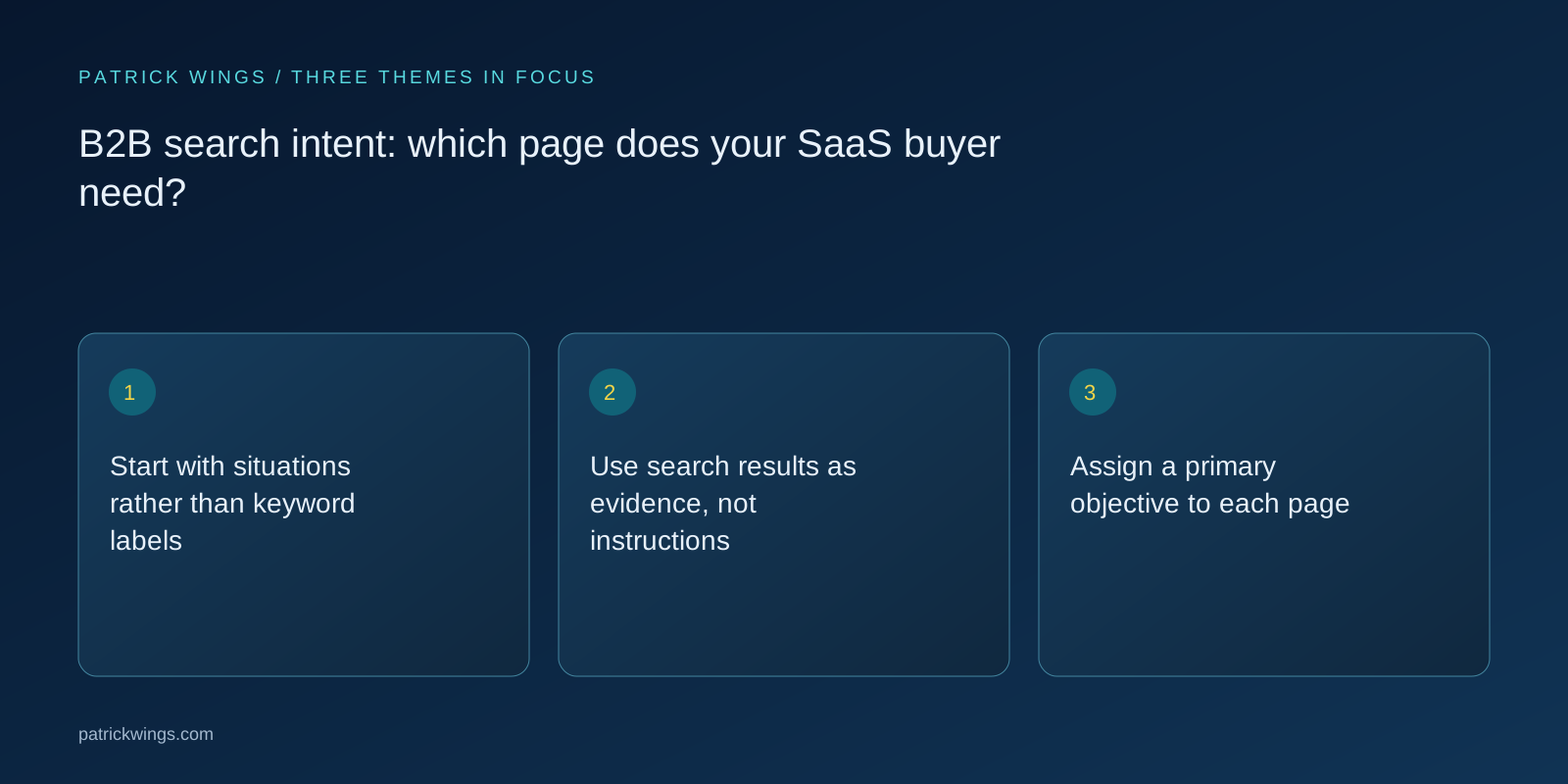
Assign a primary objective to each page
A problem-definition page explains symptoms, causes and options. A solution page describes your approach and its prerequisites. A comparison page supports selection through clear criteria. Documentation assists a specific implementation task. Give every planned page one primary objective and an appropriate next step. An introductory guide might lead to a checklist, while an integration page might offer a technical conversation. Neither requires the same demo button to be its only meaningful action. Match progression to what the reader needs. Explore this further in the guide SaaS comparison pages: help buyers choose without disparaging competitors.
An example from an IT buying journey
Consider a fictional identity management vendor. “What is single sign-on?” calls for an accessible explanation. “Set up SSO for Microsoft 365” needs instructions with explicit technical prerequisites. “SSO providers for mid-sized businesses” points towards selection criteria, security requirements and operating models. All three belong to the same subject area but require different answers. Link them where readers may naturally move from understanding to evaluation or implementation. Related subject matter does not automatically mean identical intent, and combining everything would reduce the usefulness of each answer.

Identify and resolve competing page purposes
If several URLs answer essentially the same question, inspect their actual differences. Sometimes clearer titles and sharper scope are enough. Near-identical articles may benefit from consolidation. Redirect replaced URLs appropriately and update internal links. Avoid restructuring solely because one keyword position fluctuates. The more useful test is whether visitors understand which page solves their problem and how the content fits together. Record the decision in your topic plan so that the next publication does not introduce the same duplication again. Explore this further in the guide SaaS keyword strategy: turn searches into useful pages.
Validate the assumption after publication
Compare the searches you expected with actual impressions and visits. Then inspect meaningful next steps: do visitors view relevant product information, use useful downloads or submit suitable enquiries? Add feedback from sales conversations instead of interpreting one generic bounce metric in isolation. A quick answer may justify a short visit. Review pages that attract needs different from those intended. Search intent and page purpose then become testable working hypotheses that your team can improve, rather than fixed labels assigned once during keyword research.
INTERACTIVE / FROM READING TO ACTION
Three checkpoints for your implementation
Choose a checkpoint and track your reading progress. Checks are neither saved nor sent and do not score your business.
CHECKPOINT 01
Assign a primary objective to each page
A problem-definition page explains symptoms, causes and options.
Explore in the article ↗CHECKPOINT 02
An example from an IT buying journey
Consider a fictional identity management vendor.
Explore in the article ↗CHECKPOINT 03
Identify and resolve competing page purposes
If several URLs answer essentially the same question, inspect their actual differences.
Explore in the article ↗Frequently asked questions
Can one page serve several search intents?
Yes, when they are closely connected and the page remains clear. Substantially different tasks usually need separate pages.
Are informational visitors always unqualified?
No. Research can happen early in a purchase. Evaluate topic fit and subsequent actions as well as immediate enquiries.
When should we review our assumptions?
When searches, your offer or customer questions change materially. A regular editorial review also helps.
How can I put “Start with situations rather than keyword labels” into practice?
Ask sales about recent real enquiries: what triggered the research, who was involved and which uncertainty needed resolving before a conversation? Capture answers in the customer’s own language. A list of situations usually explains more than abstract funnel labels.
What matters when working on “Use search results as evidence, not instructions”?
Review results for the query in the intended language and market. Are they mainly tutorials, product pages, comparison lists or documentation? This indicates expected formats but does not replace judgment.