

THE SHORT ANSWER
Evaluate LinkedIn Lead Gen Forms from the promised benefit through actual follow-up.
For the broader picture of how target customers, channels and sales handoffs work together, read the pillar guide B2B demand generation: from attention to qualified pipeline.
Plan form and follow-up together
Evaluate LinkedIn Lead Gen Forms from the promised benefit through actual follow-up. An easy form can lower contact costs while creating unsuitable expectations. What matters is whether the offer, qualification and next step after submission fit together as one coherent experience. Explore this further in the guide LinkedIn Ads for B2B: from relevant audiences to useful conversations.
Start with the promise immediately above the form. Someone requesting a guide expects that resource first. If the next interaction instead launches a sales appointment sequence, disappointment may originate in the handoff rather than fundamentally poor quality in the audience reached.
Intent and necessary fields
Define what a response means before launch: content interest, event registration or a concrete request for advice. Those intentions should not automatically trigger identical sales treatment. Decide which fields are necessary for delivery and routing and which questions are better asked later in an appropriate conversation.
Give every required field a purpose. A systems question may be necessary for integration advice but unnecessarily demanding for a webinar registration. Avoid collecting fields nobody later uses, because they add friction without producing a qualification benefit the team can act upon.
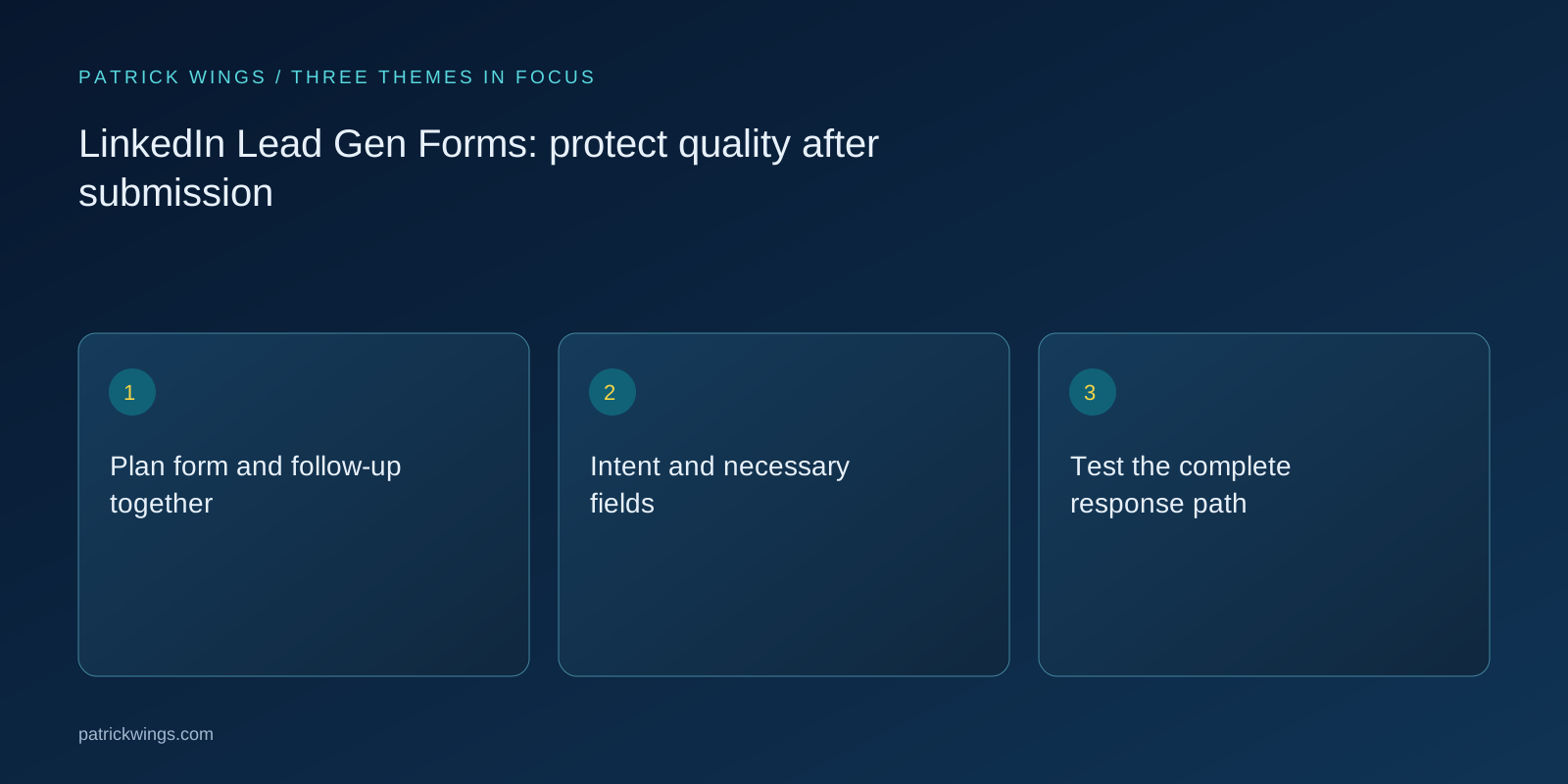
Test the complete response path
Test the form, confirmation, promised content delivery and CRM transfer as one connected process. Inspect field mapping, timestamps, duplicates and ownership. LinkedIn’s Lead Sync documentation describes response objects and access requirements; having a connection does not replace the business check that each response becomes the intended record. Explore this further in the guide Lead response: answer enquiries reliably and appropriately.
Enter a known answer and verify that it reaches the intended CRM field. Check timing, consent mapping and audience state. A renamed field may retain its identifier or receive another one; the relevant question is which mapping the integration actually uses.
Classify sixty responses
Suppose an invented webinar form produces sixty responses. Ten are duplicates, five are outside the audience and forty-five are deliverable registrations. Eight people voluntarily proceed to advisory conversations. The sixty responses should not be presented as sixty opportunities, nor should those eight conversations automatically be labelled newly caused projects.
Calculate deliverability and audience fit separately. Ten duplicates are a data issue; five unsuitable people raise a different question. Combining both as bad leads conceals whether the next improvement belongs in integration, the form offer or targeting.

Separate friction from data errors
Prefilled details can be outdated, while additional required questions can deter suitable people. Low CPL may conceal poor deliverability or delayed handling. Inspect the complete process before shortening the form or concluding that a weak conversation rate proves the platform itself produces unsuitable demand.
When another required question reduces responses, inspect quality among remaining and lost cases. Fewer submissions may reflect useful filtering or suitable buyers being deterred. Submission rate alone cannot distinguish those explanations without reviewing later cases and how they were handled.
Compare quality by offer
Review fit, deliverability, fulfilled promises and handling time by form and offer. Compare cohorts of similar maturity. Different performance between a whitepaper and a demo request may reflect different intent. That difference initially needs a business explanation rather than an assumption of technical malfunction.
Add a brief quality reason per form: undeliverable, unsuitable company, content interest or concrete requirement. This reveals whether an apparently poor channel simply carried a different offer. Categories should remain understandable and usable consistently by every reviewer.
Trace form changes into CRM
Agree the handoff between the campaign owner, CRM operator and sales team. Include the offer promise, routing, quality definition and exception handling. When a question changes, review the workflows and qualification rules that consume that answer so a seemingly minor edit cannot silently break the downstream process.
Before launch, operations confirms field mapping and sales confirms the response class. Trace a new test record after changes. Keep old form versions distinguishable in reporting so quality changes are not inferred from an unexplained mixture of questions and promises.
INTERACTIVE / FROM READING TO ACTION
Three checkpoints for your implementation
Choose a checkpoint and track your reading progress. Checks are neither saved nor sent and do not score your business.
CHECKPOINT 01
Test the complete response path
Test the form, confirmation, promised content delivery and CRM transfer as one connected process.
Explore in the article ↗CHECKPOINT 02
Classify sixty responses
Suppose an invented webinar form produces sixty responses.
Explore in the article ↗CHECKPOINT 03
Separate friction from data errors
Prefilled details can be outdated, while additional required questions can deter suitable people.
Explore in the article ↗Frequently asked questions
Do more required questions improve quality?
Only when they resolve meaningful distinctions and the added effort is justified.
Is a download a sales lead?
It initially indicates content interest; further evidence may justify a different next step.
What should be tested before launch?
The entire path from submission to delivery and correct CRM ownership.
How can I put “Plan form and follow-up together” into practice?
Evaluate LinkedIn Lead Gen Forms from the promised benefit through actual follow-up. An easy form can lower contact costs while creating unsuitable expectations. What matters is whether the offer, qualification and next step after submission fit together as one coherent experience.
What matters when working on “Intent and necessary fields”?
Define what a response means before launch: content interest, event registration or a concrete request for advice. Those intentions should not automatically trigger identical sales treatment. Decide which fields are necessary for delivery and routing and which questions are better asked later in an appropriate conversation.