

THE SHORT ANSWER
Start a migration with an inventory that joins URLs from independent sources and records what each address currently serves. Include low-traffic pages, language versions, files and historical aliases where they matter. The inventory becomes a decision table for keep, change, merge or retire actions; it is more than a crawl export or a list of future routes.
For the broader picture of technical foundations, useful content and visibility measurement, read the pillar guide SEO, GEO and AEO for SaaS: visibility that supports buying decisions.
Agree the migration boundary
List affected hosts, subdomains, protocols, language areas and content systems. State whether URLs, content, templates, hosting or several elements change together. Identify dependencies such as downloads embedded in emails, support links and partner references. Name the people who can explain legacy sections rather than treating unknown ownership as permission to remove them. Define a freeze or reconciliation process for content published while the inventory is being prepared. Without that process, even an accurate initial export can become incomplete before the migration team begins mapping destinations.
Collect URLs from independent sources
Combine a public crawl with CMS exports, sitemaps, analytics landing pages, search data and relevant server observations. Include known campaign URLs and files that a normal navigation crawl might miss. Record the source for every address and retain differences long enough to investigate them. Do not require existing traffic as a condition of inclusion. New documentation or a specific sales resource may have value before it appears in analytics. Handle sensitive URL data appropriately and keep the inventory focused on migration decisions rather than unnecessary personal information. Explore this further in the guide Finding and reconnecting orphan pages.
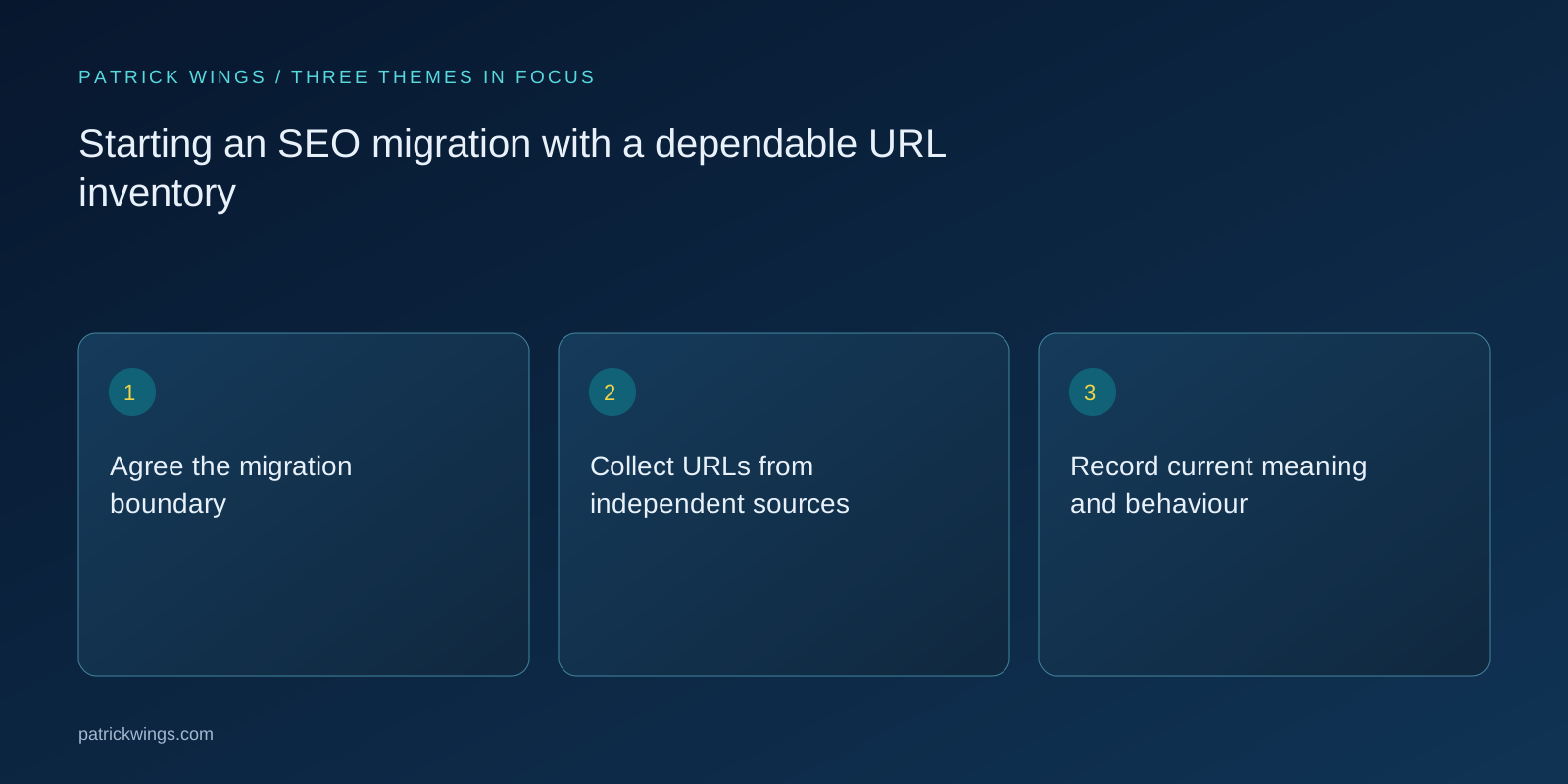
Record current meaning and behaviour
For each relevant URL, store title, content type, language, status, canonical, index directives, owner and a short description of the reader task. Add useful supporting signals such as external references and business-critical use, noting coverage limits. Capture the final destination of existing redirects so old chains do not get copied blindly. Where the delivered page contradicts the CMS record, investigate the live behaviour. The inventory should describe the current public system, including important defects, rather than an idealised architecture assumed from editorial records alone. Explore this further in the guide Mapping migration redirects by meaning.
Make target decisions explicit
Assign keep, move, consolidate or retire to each meaningful source URL, with a proposed target and rationale where applicable. Separate unresolved cases from approved decisions. Group repeatable patterns only after checking whether their content relationships are genuinely consistent. Mark valuable exceptions for manual review. Include canonical and language-group dependencies so a moved page does not leave references pointing to a retired equivalent. An address without a target is not automatically an error: it may be deliberately retired, but that choice needs an owner and a truthful response plan.

Illustrative example: merging two resource centres
Imagine an illustrative company combining a marketing library with a documentation subdomain. A navigation crawl finds public guides, while CMS and support-link exports reveal several important PDFs and legacy setup URLs. The team records their tasks before deciding destinations. It keeps a specialist technical note separate from a broad overview, despite similar titles, and flags an unowned obsolete download for review. This demonstrates why independent sources matter. It does not promise a lossless migration or imply that every historical URL needs a newly published counterpart.
Use the inventory as a release contract
Validate duplicate rows, missing owners, unresolved destinations and conflicting mappings before launch. Freeze an approved version, then reconcile later content changes deliberately. Test representative URLs from every action class and prioritise business-critical exceptions. After launch, use the same identifiers to monitor responses and destination content. Keep assumptions and missing-source limitations visible. Success means each meaningful old address has an intentional, testable treatment. An inventory cannot itself prevent ranking fluctuations or guarantee indexing, but it makes avoidable omissions and unclear decisions easier to detect before they affect real readers.
INTERACTIVE / FROM READING TO ACTION
Three checkpoints for your implementation
Choose a checkpoint and track your reading progress. Checks are neither saved nor sent and do not score your business.
CHECKPOINT 01
Record current meaning and behaviour
For each relevant URL, store title, content type, language, status, canonical, index directives, owner and a short description of the reader task.
Explore in the article ↗CHECKPOINT 02
Make target decisions explicit
Assign keep, move, consolidate or retire to each meaningful source URL, with a proposed target and rationale where applicable.
Explore in the article ↗CHECKPOINT 03
Illustrative example: merging two resource centres
Imagine an illustrative company combining a marketing library with a documentation subdomain.
Explore in the article ↗Frequently asked questions
Is a crawl export enough?
No. It can miss orphan pages, files, legacy addresses and areas blocked from that crawl.
Should low-traffic URLs be excluded?
No. Include relevant addresses first, then decide their treatment from usefulness and dependencies.
How do we handle new content during planning?
Use a publishing freeze or an explicit reconciliation process against the approved inventory version.
How can I put “Agree the migration boundary” into practice?
List affected hosts, subdomains, protocols, language areas and content systems. State whether URLs, content, templates, hosting or several elements change together. Identify dependencies such as downloads embedded in emails, support links and partner references.
What matters when working on “Collect URLs from independent sources”?
Combine a public crawl with CMS exports, sitemaps, analytics landing pages, search data and relevant server observations. Include known campaign URLs and files that a normal navigation crawl might miss. Record the source for every address and retain differences long enough to investigate them.